
 Thermal Model Exchanger.
 Thermal Model Exchanger
Easy transfer between Simcenter 3D Space Systems Thermal and Ansys Thermal Desktop™
Thermal Model Exchanger is a Maya HTT authored product.
Bi-directional, hassle-free
Discover convenient and easy bi-directional transfer of thermal models between Simcenter 3D Space Systems Thermal and Ansys Thermal Desktop.
Thermal model exchanger (TMX) supports the transfer of the meshes, material and optical properties, and boundary conditions of models between these industry standard tools.
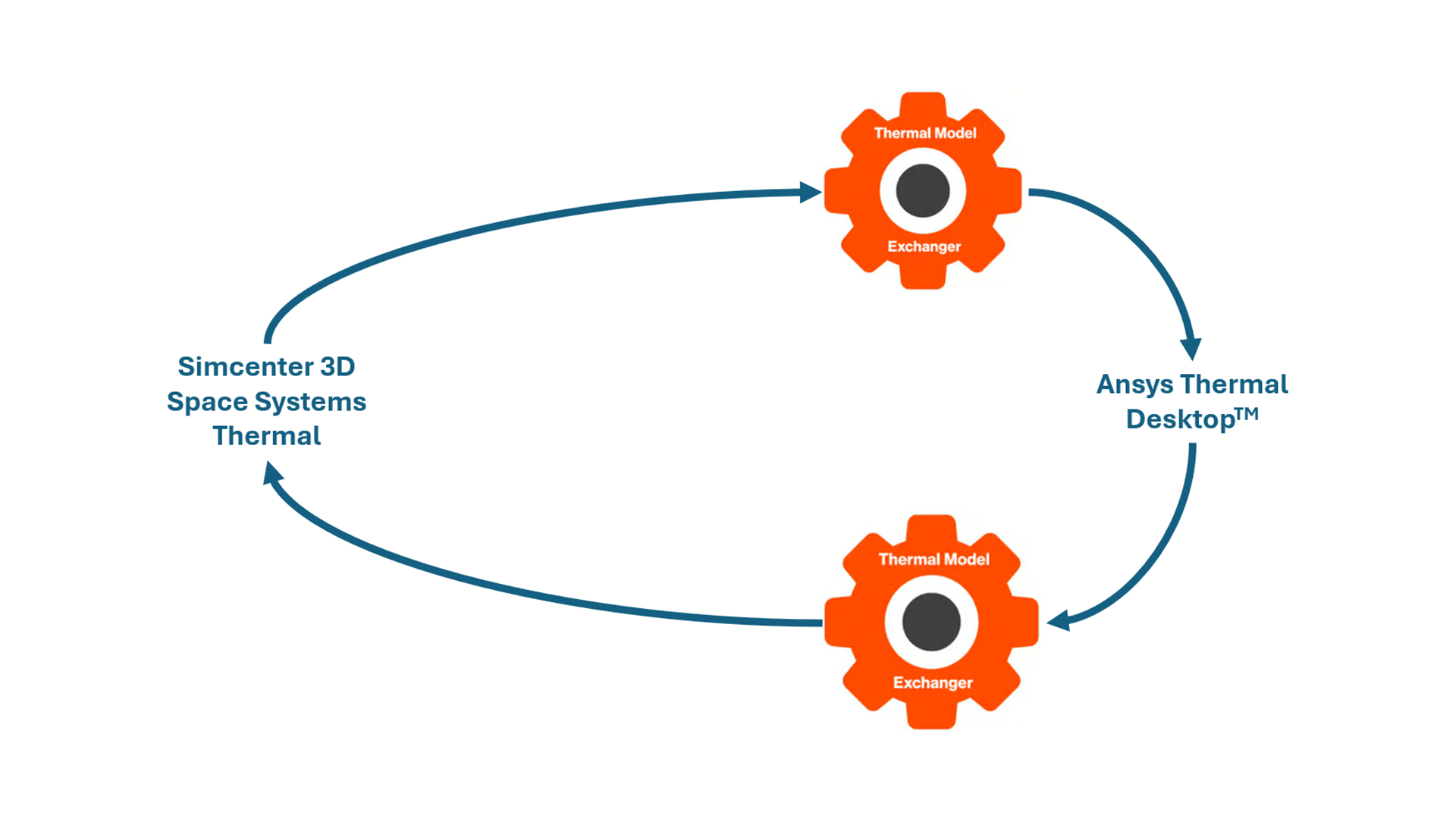
Collaborate across teams and solvers
Communicating between Ansys Thermal Desktop and Simcenter 3D Space System Thermal has never been easier.
Analysts working in one thermal analysis tool can collaborate seamlessly with analysts or companies using the other.
Streamline workflows and processes
TMX makes modeling easier by helping to:
- Facilitate the workflow for engineers with bi-directional import/export capabilities
- Simplify the modeling process so engineers can develop analysis models faster
- Integrate high-end analyst modeling tools with world-class geometry capabilities
Frequently asked questions
How can I transfer thermal models between Simcenter 3D Space Systems Thermal and Ansys Thermal Desktop?
Maya HTT’s Thermal Model Exchanger (TMX) is designed to transfer thermal models between Simcenter 3D Space Systems Thermal and Ansys Thermal Desktop. It supports bi-directional model exchange and helps analysts move thermal model data between these two industry-standard tools more easily.
What model data can Thermal Model Exchanger transfer?
Thermal Model Exchanger supports the transfer of meshes, material properties, optical properties, and boundary conditions between Simcenter 3D Space Systems Thermal and Ansys Thermal Desktop. This helps engineering teams preserve key thermal model information when moving models between the two applications.
Can Thermal Model Exchanger help teams collaborate when some analysts use Simcenter 3D and others use Ansys Thermal Desktop?
Yes. Thermal Model Exchanger is built to help analysts and companies collaborate across Simcenter 3D Space Systems Thermal and Ansys Thermal Desktop workflows. Engineers working in one thermal analysis tool can exchange models with teams using the other tool, reducing friction when organizations, suppliers, or project partners rely on different thermal simulation environments.
Does Thermal Model Exchanger support bi-directional import and export?
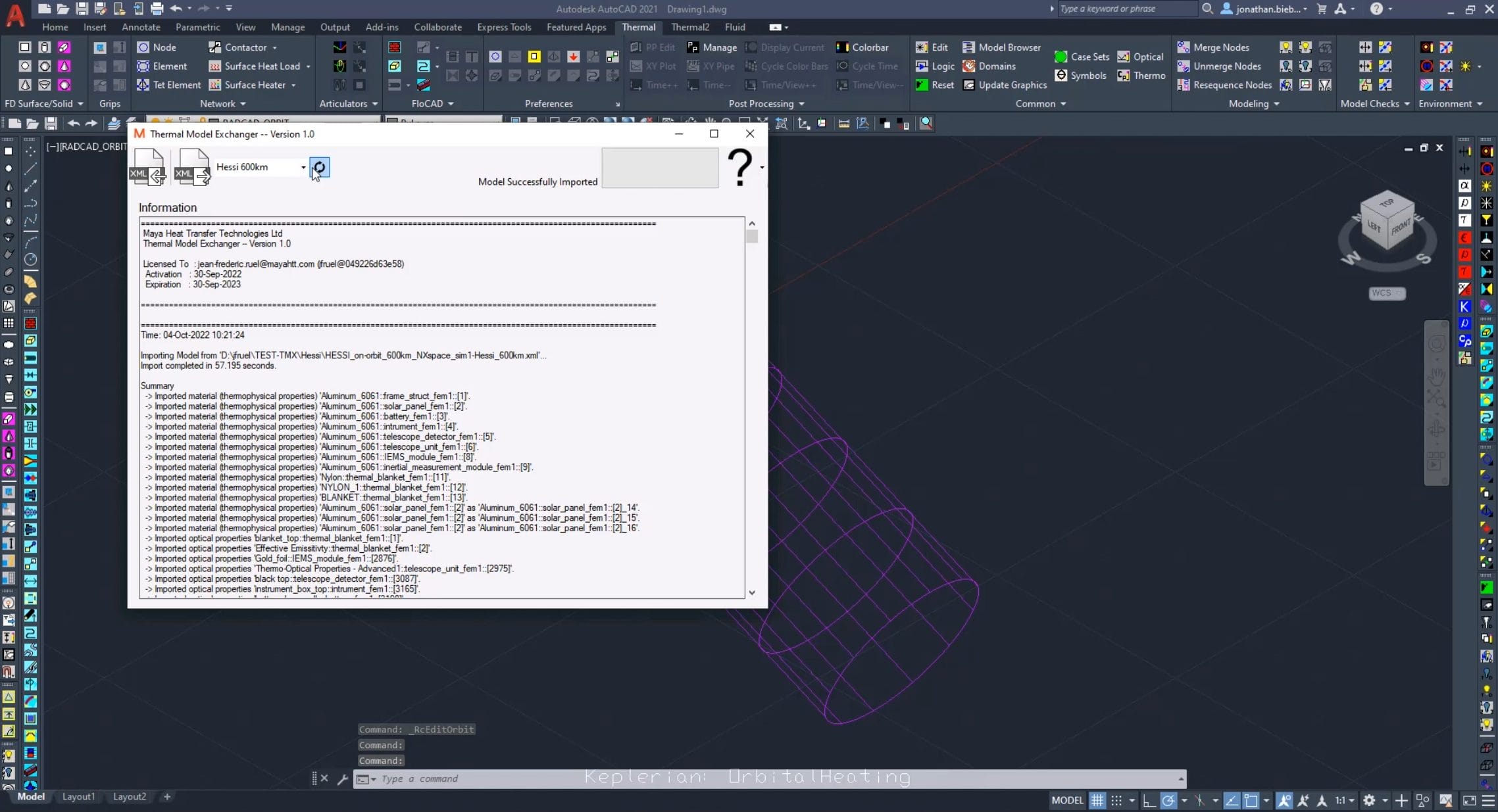
Yes. TMX supports bi-directional import and export between Simcenter 3D Space Systems Thermal and Ansys Thermal Desktop. In TMX terminology, importing means importing a model from Simcenter 3D Space Systems Thermal into Ansys Thermal Desktop, while exporting means exporting a model from Ansys Thermal Desktop to a Simcenter 3D Space Systems Thermal XML file.
What are the system and software requirements for Thermal Model Exchanger?
Thermal Model Exchanger is a Windows application that requires AutoCAD with Thermal Desktop. The TMX documentation states that it uses the OpenTD API to exchange data between Simcenter 3D and Ansys Thermal Desktop, and because OpenTD supports C#, TMX runs on Windows. The documented supported versions include TMX 2.0 with Thermal Desktop 2024 R2 and Simcenter 3D 2406.